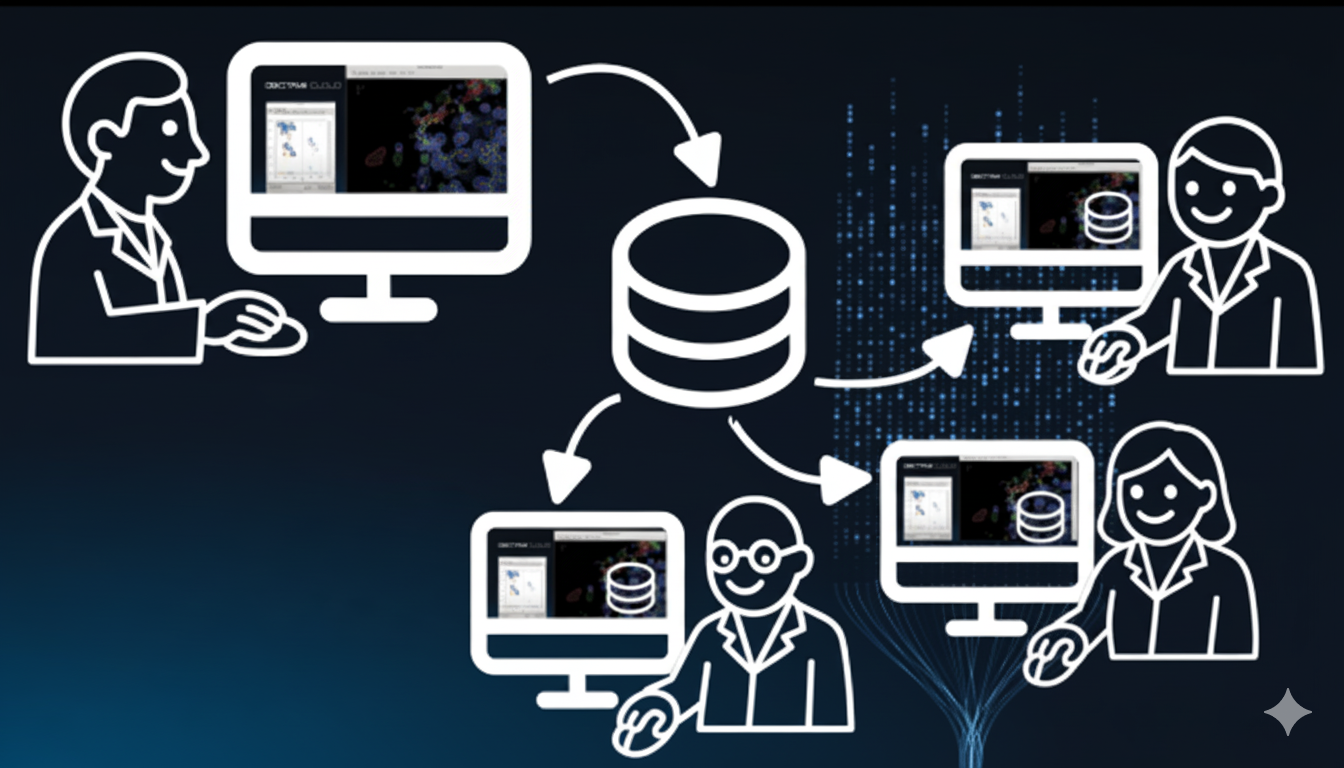
Have you ever wished to save your exact computer setup and share it with someone else? Have you ever needed an exact copy of your colleagues PC?
Environments function as the fundamental building block of analysis workflows on DECTRIS CLOUD, being the base of both sessions and jobs. They help support reproducibility by serving as a reference point for the exact software stack that was used to achieve a scientific result and make collaboration easier by removing the usual “it only works on my machine” problem.
Building a Docker container can be challenging. Up until this point, linux-based environments could only be created by configuring a Docker build script containing installation instructions for all software within the environment. This works well for experienced developers but can be a challenge for those who are not familiar with this kind of scripting or prefer using graphical installers.
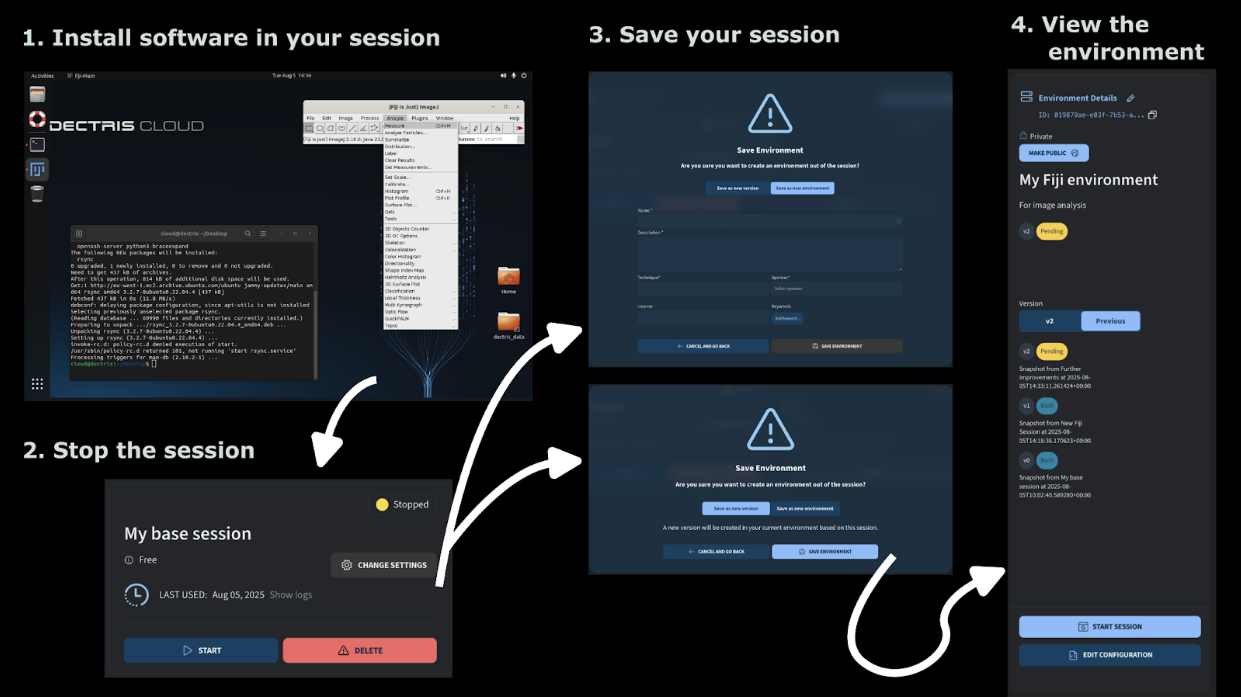
To streamline the environment creation process, we have introduced a new option so that you now can create an environment from a stopped session. Just start a session, install your tools as you normally would, stop the session, and then click “Save session.” This creates a shareable environment you and your colleagues can reuse for new sessions and jobs.
As with all environments on DECTRIS CLOUD, this new feature includes automatic versioning so that you can track changes and keep your work organized over time.
Want to try it out? You can find more detailed instructions on our help page and give it a go.